


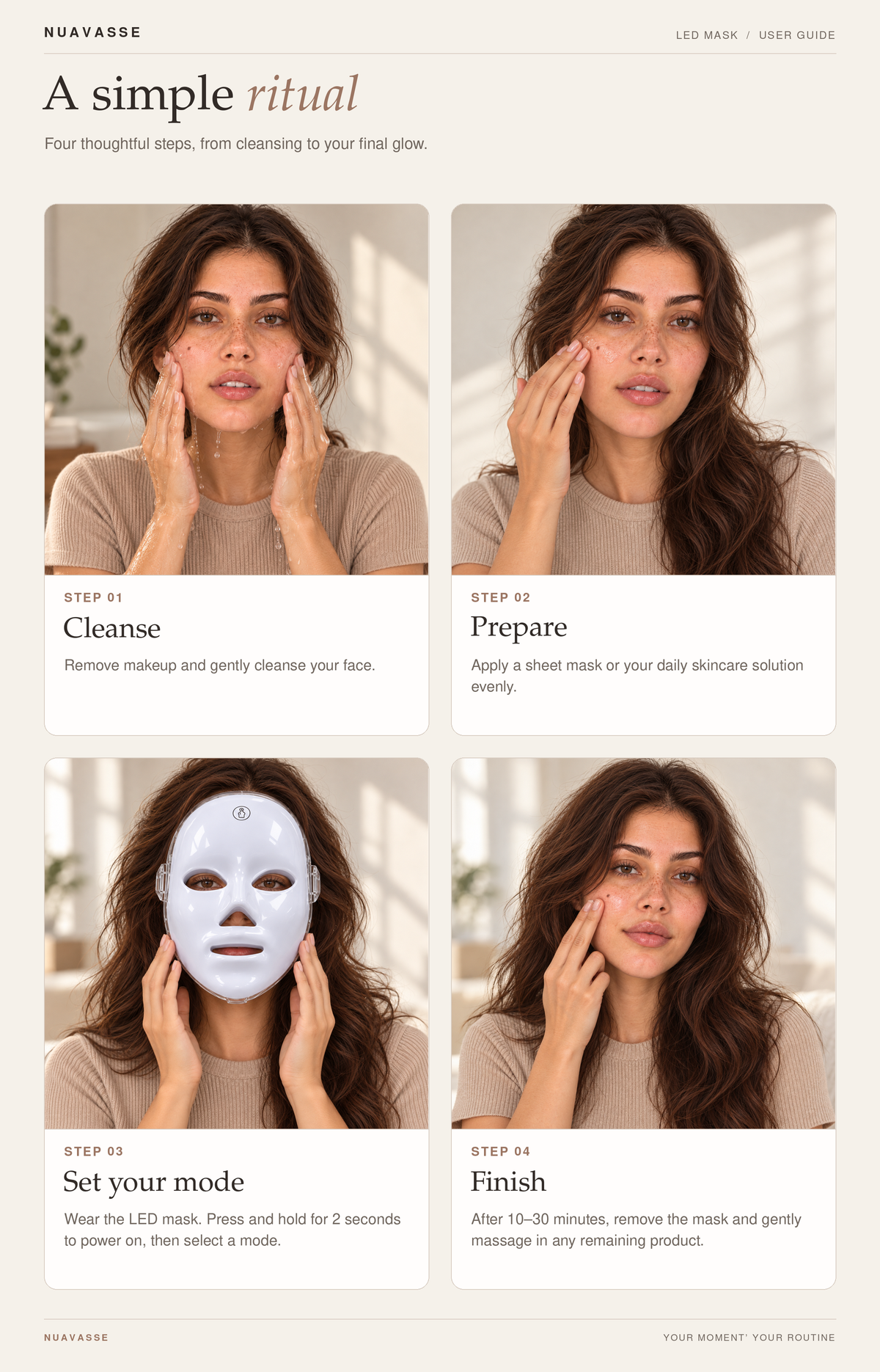
Nuavasse LED facial mask, model 910
Your routine, illustrated
A simple ritual.
A little preparation. Your choice of light. A moment at your own pace.
-
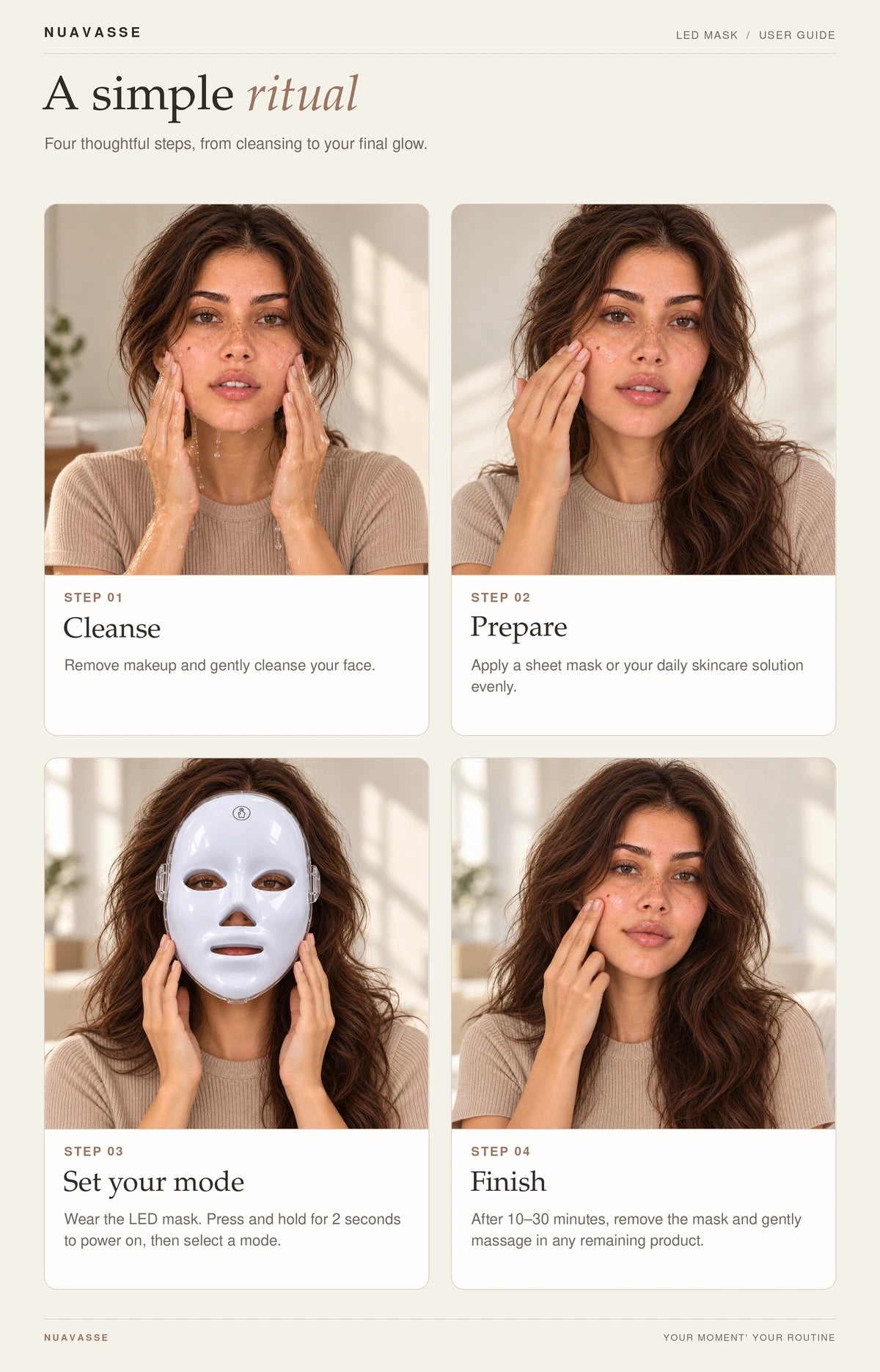
Step 1
Cleanse
Read your device instructions first. Begin with clean, makeup-free skin, as directed.
-
Step 2
Prepare
Follow the preparation and skin-product compatibility directions supplied with your device.
-
Step 3
Choose your light
Position the mask and select red, green or blue using the controls as directed in your device instructions.
-
Step 4
Finish at your pace
Follow the session length and aftercare in your device instructions. Turn off and remove the mask as directed.
Illustrations supplied by Nuavasse. Follow your device instructions for skin-product compatibility, session length and eye protection.
A closer look
The details
Get to know the mask, prepare for your routine and review the information that matters before you order.
How to use
Start with clean, makeup-free skin. Read the instructions supplied with your device before first use, then position the mask and select your light setting as directed. Follow those instructions for operation, session length, frequency and eye protection.
Specifications
- Model: 910.
- Selectable light settings: red, green and blue.
What's included
- 1 Nuavasse LED Facial Mask, model 910.
Shipping & returns
Before ordering, review delivery information and return eligibility, including any exclusions, in our policies below.
Which light settings can I choose?
The mask has selectable red, green and blue light settings.
What should I know about LED research?
Light color alone does not tell you how a device will perform. Studies use specific equipment, light output and routines, so results from another device should not be assumed for this mask. Research on LED light does not establish results for Nuavasse model 910.
Is LED skincare right for me?
If you have a light-sensitive condition, take medication that increases light sensitivity, or have concerns about pigmentation, speak with a dermatologist before using a light device. Follow the eye-protection guidance supplied with your device.
How does checkout work?
Checkout is powered by Shopify. Review your selected product, quantity, price and available payment options before completing your order. Shipping information and any applicable taxes are shown during checkout.
Selected supplier feedback
Seen in everyday routines.
Customer photos and comments from third-party purchases on our supplier’s listing.
Use the left and right arrow keys to browse. Movement pauses while you browse with the keyboard. Turn automatic animations off in the footer.
-

“Everything works perfectly.”
Translated from French
-

“This LED mask is easy to use. It is lightweight and comfortable to wear.”
-

“It is super well-made.”
-
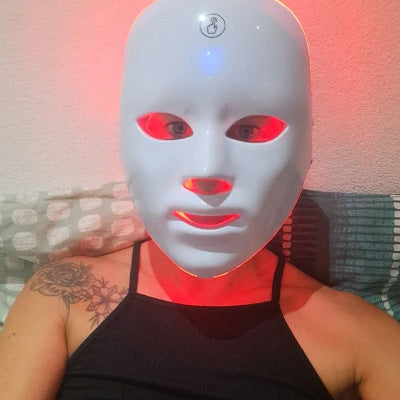
“Similar to the listing.”
Translated from French
-
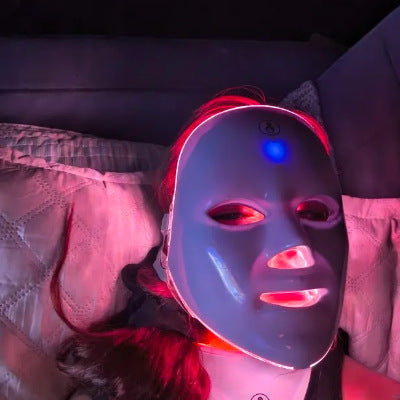
“The material feels pleasant and sturdy.”
Translated from Spanish
-

“works as described.”
-

“It seems to be of good quality.”
Translated from Spanish
-

“Item as described.”
Translated from Polish
-

“I love that it has different lights.”
-
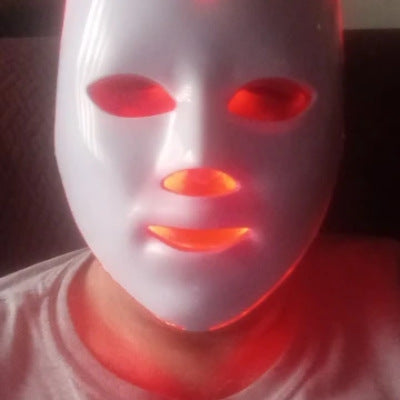
“Very comfortable to wear.”


